DPI vs. Sensitivity: What is the Difference?
TL;DR
DPI is a fixed hardware setting on your mouse; in-game sensitivity is a software multiplier applied on top of it. Two very different DPI/sensitivity combinations can produce the exact same cm/360 — what matters for your aim is the final physical distance, not either number alone. Pick a DPI once (800 is a safe, well-supported default), then use sensitivity to fine-tune.
DPI and Sensitivity Are Not the Same Setting
Almost every FPS player has, at some point, changed their in-game sensitivity slider expecting a specific result and gotten something else entirely — because sensitivity alone doesn't determine how fast your crosshair moves. DPI does half the work, and sensitivity does the other half. Confuse the two, or change one without accounting for the other, and your aim will feel inconsistent even though nothing about your actual skill changed.
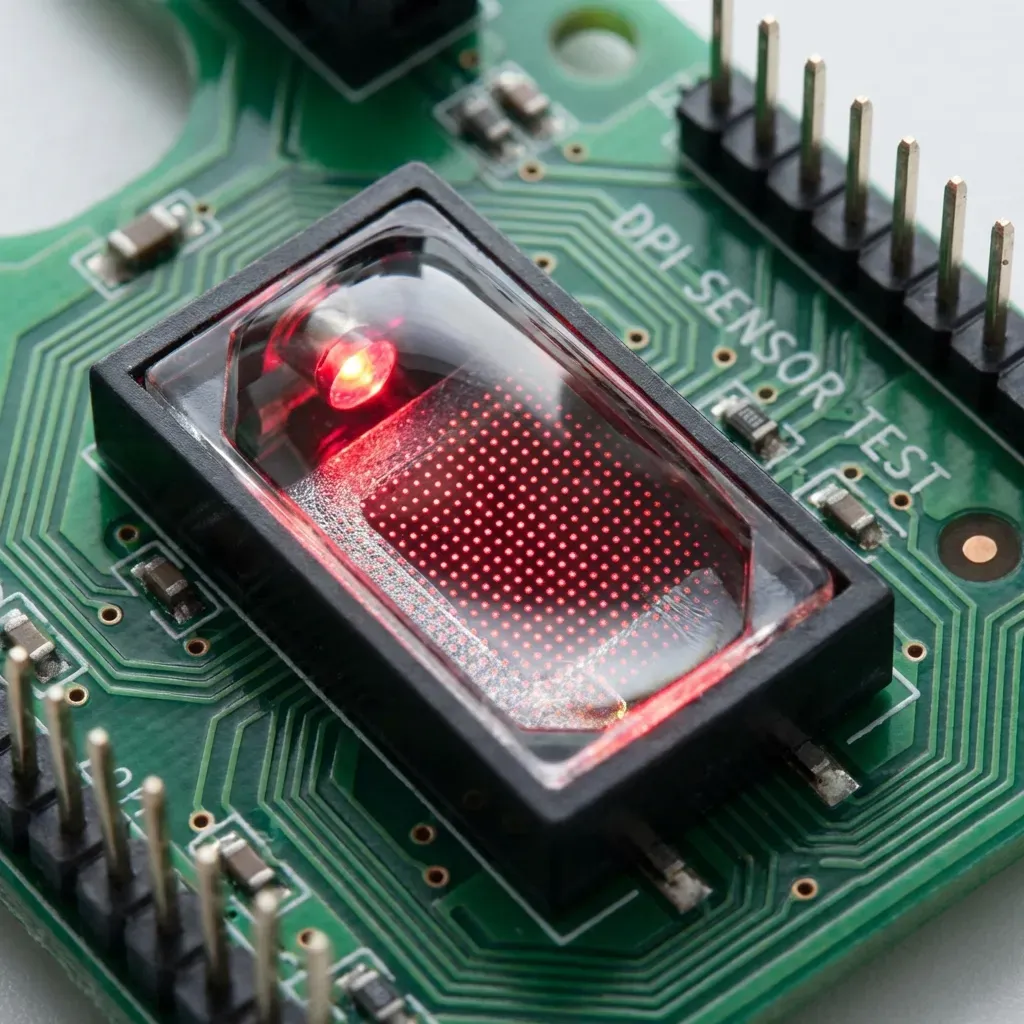
DPI (Dots Per Inch), sometimes labeled CPI (Counts Per Inch) on the box, is a hardware property of your mouse sensor. It defines how many discrete position updates the sensor reports to your PC for every inch it physically travels. A mouse set to 800 DPI reports 800 counts per inch of movement; the same mouse set to 1600 DPI reports 1600 counts for that same inch. This number is set either in your mouse's software (Logitech G Hub, Razer Synapse, etc.) or via a physical DPI button on the mouse itself, and it stays fixed until you change it again — it has nothing to do with the game you're playing.
In-game sensitivity is a completely separate, software-side multiplier that the game applies to whatever count data it receives from the mouse. If your sensitivity is 2.0, the game turns your camera twice as far for the same raw mouse input as it would at 1.0. Every game engine defines its own internal scale for this multiplier (which is exactly why a "2.0" in Valorant and a "2.0" in CS2 do not feel remotely similar — see our DPI and monitor resolution guide for how display settings factor in too).
The Formula That Ties Them Together
The number that actually matters for consistent aim is neither DPI nor sensitivity in isolation — it's the physical distance your mouse has to travel to turn your character 360 degrees, universally called cm/360. That's the number our sensitivity converter is built around, and it's computed from both settings together:
Yaw is a constant baked into each game's engine (0.022 for CS2 and every other Source-engine title, 0.07 for Valorant, and so on) — it's the one variable in that formula you don't control. DPI and sensitivity are the two you do, and because they're multiplied together, an increase in one can always be offset by a proportional decrease in the other without changing the result at all.
A Concrete Example
Take a player running 400 DPI with a 2.0 in-game sensitivity in CS2. Their eDPI (DPI × sensitivity) is 800, and plugging that into the formula above gives a specific cm/360. Now take a second player running 800 DPI with a 1.0 sensitivity — same game, same eDPI of 800. Mathematically, both players get the identical cm/360 and the identical physical mouse travel for a full turn. On a sensor level, their aim will feel the same.
So if the outcome can be identical, why does DPI matter at all? Because DPI changes how much raw data the sensor reports for the same distance, independent of how the game later scales it. At 400 DPI, moving your mouse 1 inch generates 400 discrete position reports; at 1600 DPI, that same inch generates 1600 reports. More reports per inch means finer resolution for very small, deliberate movements — the kind you make when tracking a moving target or nudging your crosshair the last few pixels onto a head. This is why competitive players almost universally land somewhere in the 400–1600 DPI range rather than running extremely low (200) or extremely high (8000+) DPI values, even though either extreme could technically be compensated for with sensitivity.
So Which DPI Should You Actually Use?
- 400 DPI: The old-school competitive standard, still used by players like s1mple and NiKo. Nothing wrong with it — it was the default long before high-polling, high-resolution sensors became standard, and muscle memory built on it is perfectly valid.
- 800 DPI: The most common choice among current players in 2026. It's a safe middle ground that every sensor handles cleanly, and it's the default DCPROSENS' own converter and calculators assume unless you tell them otherwise.
- 1600 DPI: Popular with players who prefer smaller, more granular in-game sensitivity numbers (e.g., 0.3 instead of 1.2) purely for readability and easier micro-adjustment of the sensitivity value itself.
- 3200+ DPI: Common outside tactical FPS — MOBA and RTS players (Faker plays League of Legends at 3200 DPI) benefit from very high raw pointer speed for fast screen-edge to screen-edge movement, a very different use case from tracking a single target in an FPS.
There is no single "correct" DPI. What matters is picking one your sensor performs well at (check your mouse's spec sheet — most modern sensors like the PixArt PAW3395 or HERO 2 are accurate across their full advertised range) and then leaving it alone.
The One Rule That Actually Matters
Set your DPI once, and stop touching it. From that point on, every adjustment to how your aim feels should go through your in-game sensitivity slider, not your mouse software. The reason is muscle memory: your hand learns a physical relationship between "how far I move my arm" and "how far my crosshair travels." Changing DPI breaks that relationship at the hardware level, even if you compensate with sensitivity to land on the same cm/360 — the two rarely land on the exact same number outside of clean round-number examples, and the tiny drift is enough to make your aim feel subtly wrong for days while you re-adjust.
If you're mid-way through recalibrating and unsure what cm/360 you're actually on right now, our PSA Calculator walks through a guided process to help you converge on a number that suits your own tracking and flicking performance, rather than copying a pro's raw settings.
Common Mistakes Players Make
- Copying a pro's DPI and sensitivity separately. A pro's cm/360 is the only number worth copying — their raw DPI and sensitivity values only make sense together, at their specific DPI. Plug their settings into a converter that accounts for your own DPI instead of typing their numbers in directly.
- Leaving Windows pointer acceleration on. "Enhance Pointer Precision" in Windows mouse settings applies its own non-linear scaling on top of everything above, which most competitive games bypass anyway via raw input — but if yours doesn't, it will make your effective sensitivity inconsistent depending on how fast you move your hand.
- Changing DPI to "fix" a sensitivity that feels off. If your aim feels wrong, the fix is almost always a sensitivity or cm/360 adjustment, not a DPI change. Reach for DPI only if you suspect your sensor itself is underperforming at your current setting (visible jitter, angle snapping, or skipping at high speed).
Quick Reference
| Setting | Type | Change how often? |
|---|---|---|
| DPI | Hardware (mouse sensor) | Once, then never |
| Sensitivity | Software (per-game multiplier) | Whenever you fine-tune feel |
| cm/360 | Derived (DPI × sens × yaw) | The number to actually track |
Frequently Asked Questions
Is higher DPI always better for aim?
No. Higher DPI (up to a point) gives your sensor finer resolution for small movements, but beyond roughly 1600–3200 DPI most sensors don't meaningfully improve, and some budget sensors introduce jitter or smoothing artifacts at very high DPI. Pick a DPI your specific sensor is rated to handle cleanly, not the highest number available.
Are 400 DPI at 2.0 sens and 800 DPI at 1.0 sens really identical?
Mathematically, yes — both give an eDPI of 800 and the same cm/360 in any given game. The only practical difference is sensor resolution: 800 DPI reports twice as many position updates per inch of physical movement, which can matter for very fine tracking, though most players cannot feel the difference at these levels.
Should I change my DPI or my sensitivity to make my aim faster?
Always adjust sensitivity, not DPI. Changing DPI alters the physical relationship your hand has learned between movement and on-screen response, effectively resetting part of your muscle memory. Sensitivity is a purely in-game multiplier and is the correct lever for tuning feel.
What DPI do most pro players use?
Most competitive FPS pros sit between 400 and 1600 DPI. There is no single standard — s1mple and NiKo play at 400 DPI, while many Valorant pros use 800 DPI. What matters is consistency, not matching a specific number.
Does DPI affect input lag?
Indirectly. Very low DPI (under 400) can mean your sensor reports fewer position updates per inch, which combined with movement can add a small amount of rounding delay. In practice this is negligible above 400 DPI on any sensor released in the last several years.
🎯 Lock In Perfect 1:1 Aim & Pro Consistency
Tired of daily aim inconsistency? Calibrate your physical cm/360, scope matching, and sensor latency. Get the complete Precision Aim System (4-Part Technical Manifestos) today for only $9.00 USD!
Unlock Elite Precision ($9) ⚡Dalto Outlier
Creator, DCPROSENSDalto built DCPROSENS to help competitive FPS players convert sensitivity, calibrate DPI, and keep their aim consistent across games.