Mouse Weight Guide: Light vs Heavy for FPS
The Mouse Weight Revolution
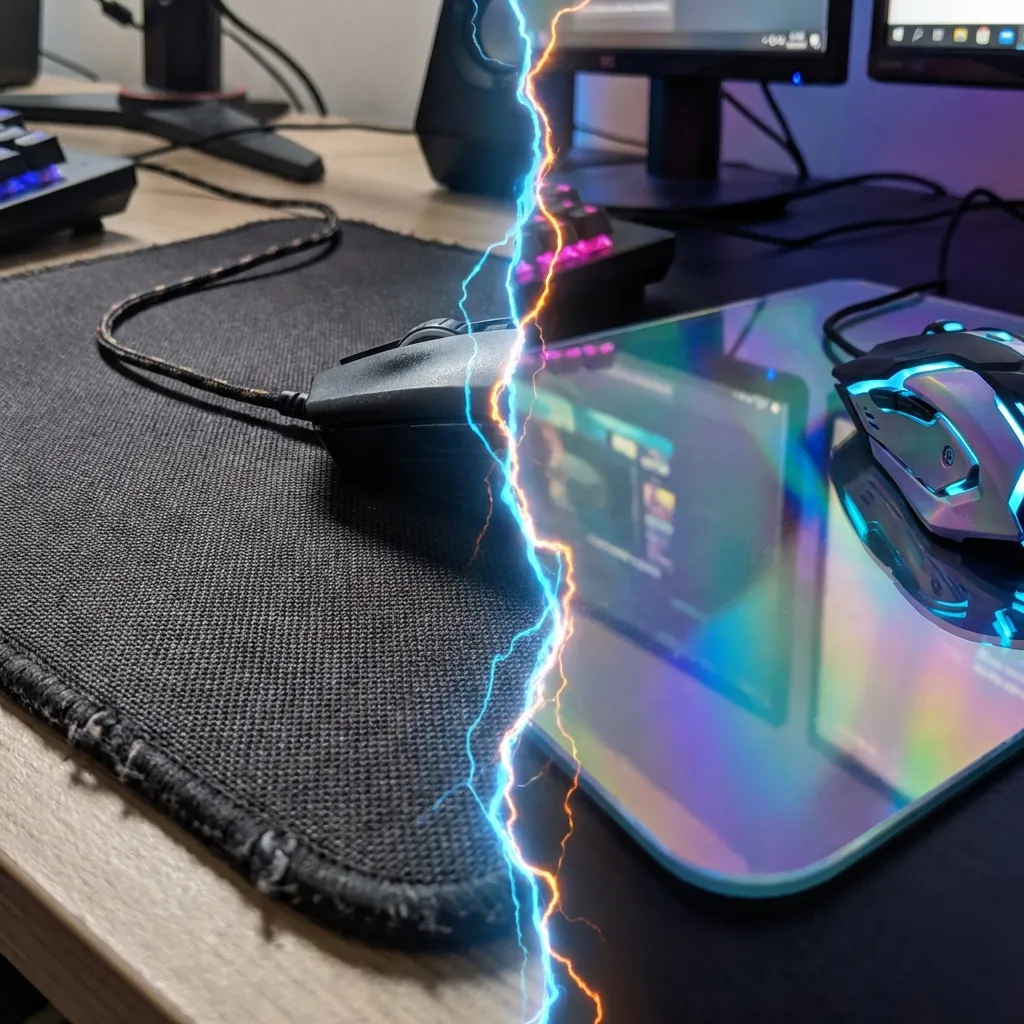
Between 2019 and 2026, the average competitive gaming mouse dropped from ~95g to ~55g. The Finalmouse Air58 Ninja (58g) in 2018 started a weight race that led to current ultralight designs like the Lamzu Atlantis Mini (38g), Pulsar X2H (52g), and Logitech G Pro X Superlight 2 (60g). But lighter is not universally better — weight affects aim in nuanced ways that depend on your sensitivity and grip style.
How Mouse Weight Affects Aim Physics
Every mouse movement has two phases: acceleration (pushing the mouse to speed) and deceleration (stopping it precisely). Weight affects both:
- Lighter mice accelerate faster — less inertia to overcome. Fast flicks require less effort, feel more "snappy"
- Lighter mice are harder to stop precisely — the same low inertia that makes them fast makes them require more deliberate deceleration muscle control
- Heavier mice decelerate naturally — weight creates resistance that stops the mouse where you release your grip. More consistent stopping point.
- Heavier mice cause more arm fatigue over long sessions — more energy required to push and pull a heavier object repeatedly
Mouse Weight by Sensitivity Style
| Sensitivity | cm/360 | Ideal Weight | Why |
|---|---|---|---|
| High sens | <25 cm | 50–65g | Small movements; lighter reduces fatigue from rapid micro-movements |
| Medium sens | 25–50 cm | 55–80g | Balanced; both ultralight and mid-weight work well here |
| Low sens | 50–80 cm | 65–100g | Large sweeping arm movements; slight weight helps decelerate naturally |
| Very low sens | 80+ cm | 80–120g | Full-arm rotation requires natural stopping — heavier helps here |
What Weight Do Pro Players Use in 2026?
| Player | Mouse | Weight | Game |
|---|---|---|---|
| TenZ | Finalmouse Starlight Pro | 42g | Valorant |
| NiKo | G Pro X Superlight 2 | 60g | CS2 |
| s1mple | Logitech G303 | 87g | CS2 |
| Imperialhal | Logitech G Pro X Superlight | 61g | Apex |
| Chronicle | Zowie EC2-CW | 77g | Valorant |
The Honeycomb Shell Debate
Honeycomb (perforated) shells reduce weight by removing material from the mouse body. The tradeoff:
- Pro: 10–20g lighter than equivalent solid shell mouse
- Con: Structural rigidity slightly reduced — some players notice flex during heavy grip presses
- Con: Holes accumulate debris over time, requiring cleaning
- Con: Grip feel changes — some players prefer the solid feel of non-perforated shells for precise movements
Recommendation: if you already use a solid-shell mouse and have no fatigue complaints, a honeycomb shell is not necessary. If you experience wrist fatigue after 3+ hours of play, transitioning to an ultralight may significantly improve your session duration and late-session aim consistency.
Weight vs. Shape vs. Sensor: Priority Order
- Shape first: A mouse that doesn't fit your hand size and grip style is uncomfortable regardless of weight. Shape mismatch costs more performance than weight.
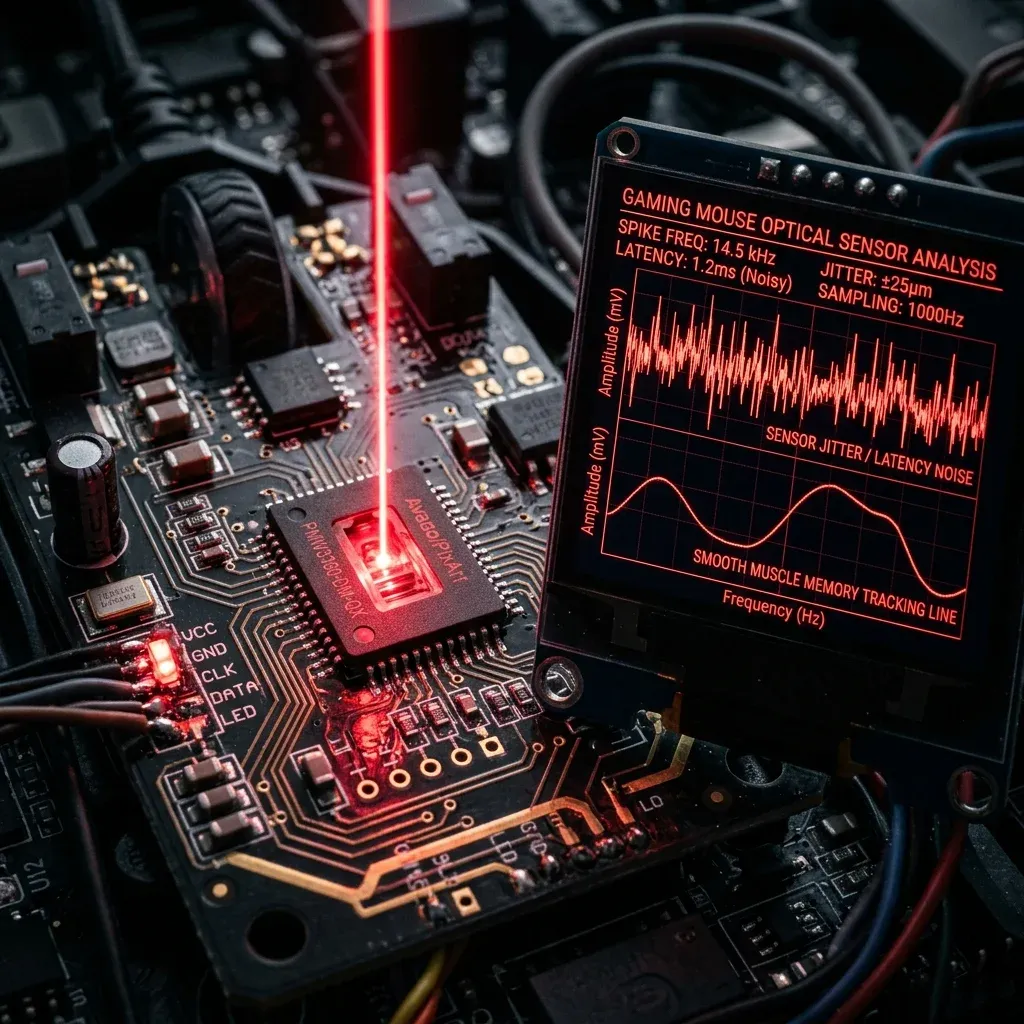
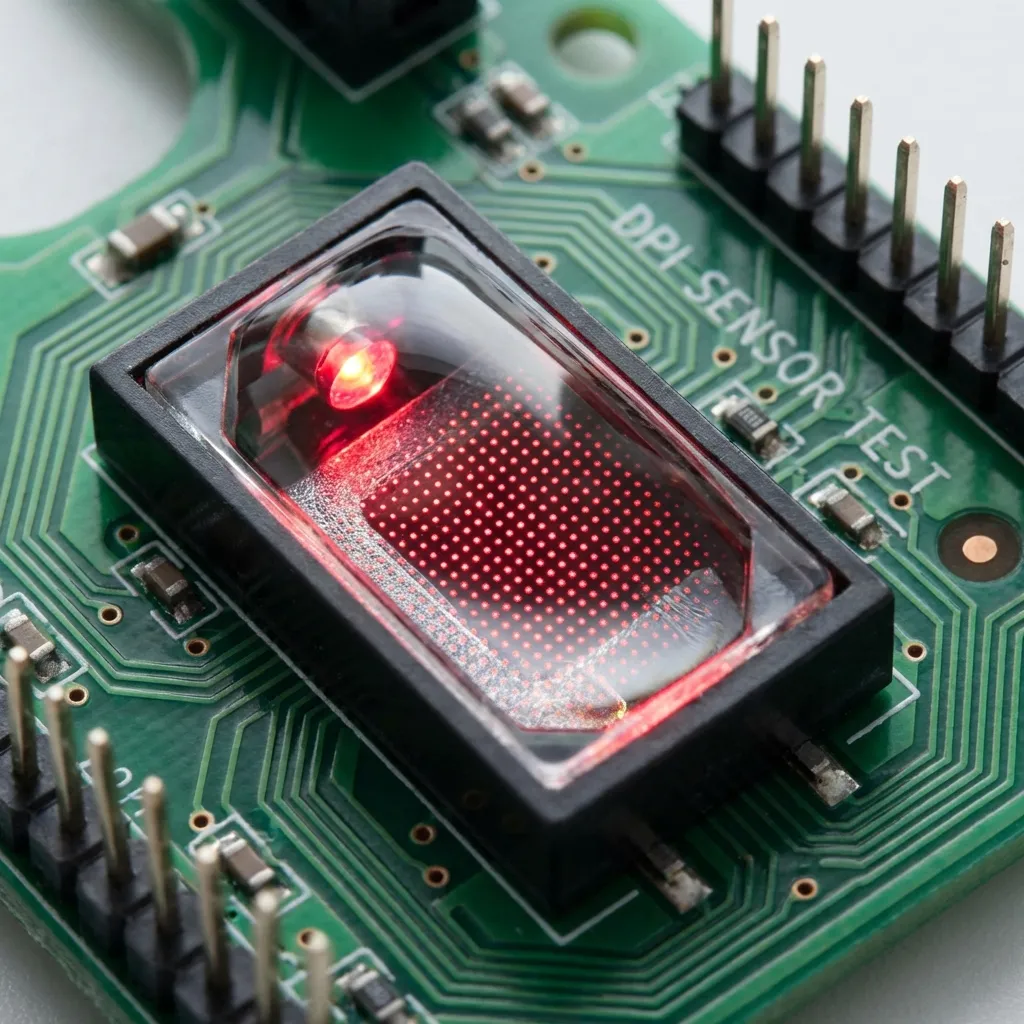
- Sensor second: Modern sensors (HERO 25K, Focus Pro 30K, PMW3395) are all competition-viable. Sensor choice rarely matters after this tier.
- Weight third: After shape and sensor, weight optimization provides marginal but measurable improvement in fatigue and feel.
Calibrate your sensitivity to your new mouse with our eDPI calculator — even switching to the same DPI on a lighter mouse may feel slightly different due to reduced resistance.
Mathematical Mechanics & Engine Formulas
Understanding aim physics requires breaking down how rendering engines calculate rotation vectors. In 3D space, mouse movement inputs map to angular rotation per count based on the game engine's specific yaw constant:
• CS2 / Source Engine Yaw Constant: 0.022° per count
• Apex Legends Yaw Constant: 0.022° per count
• Overwatch 2 Yaw Constant: 0.0066° per count
• Fortnite Yaw Constant: 0.005555° per count
• Formula: eDPI = Hardware DPI × In-Game Sensitivity
• Formula: cm/360 = (360 × 2.54) / (DPI × Sensitivity × Yaw)
By keeping your physical centimeters per 360 rotation (cm/360) consistent, you maintain identical physical hand travel across titles. However, when switching between different aspect ratios (16:9 vs 4:3 stretched) or vertical FOVs, you must apply 0% Monitor Distance Matching (Focal Length Scaling) to match optical tracking speed at screen center.
Esports Meta & Pro Player Benchmark Data
Looking at publicly available pro settings and general esports sensitivity trends:
- Tactical Shooters (Valorant / CS2): The median pro eDPI sits between 200 and 320 eDPI (approx. 40cm/360 to 65cm/360). Pro players prefer lower sensitivity to maximize micro-correction accuracy and first-bullet headshot precision.
- Tracking & Dynamic Shooters (Apex / OW2 / Fortnite): The median pro eDPI ranges from 2400 to 4800 eDPI in Source/OW2 terms (approx. 28cm/360 to 38cm/360). Higher sensitivity allows rapid 180° sweeps and smooth target tracking during erratic movement.
Step-by-Step Calibration & Actionable Implementation
- Disable Windows Mouse Acceleration: Open Windows Control Panel → Mouse Properties → Pointer Options → Uncheck "Enhance Pointer Precision". This ensures 1:1 raw input without non-linear velocity scaling.
- Set Native Mouse DPI: Use 800 or 1600 DPI on modern optical sensors (PMW3395 / HERO 25K) to minimize sensor input latency by up to 2.5ms compared to 400 DPI while avoiding sensor smoothing.
- Calibrate Desk Space: Ensure your mousepad offers at least 450mm × 400mm of dynamic space. Your cm/360 should allow a full 180° turn from center to pad edge without lifting.
- Verify in Aim Trainers: Benchmark your target acquisition in KovaaK's or Aim Lab (Gridshot / Microflex) for 15 minutes to confirm zero overshoot or undershoot before entering ranked queues.
Frequently Asked Questions (FAQ)
Is higher DPI always better for aim?
Higher DPI (such as 1600 DPI) reduces input latency because the sensor sends motion packets more frequently per millimeter. However, going above 3200 DPI can introduce unwanted sensor noise or smoothing on certain optical sensors.
Should I match my hipfire sensitivity to my ADS sensitivity?
Yes! Utilizing 1:1 focal matching (0.847 in Valorant, 1.0 in CS2/Apex) aligns your focal muscle memory between hipfire aiming and scoped targeting.
Equipamentos de Elite Recomendados
Mouses ultra-leves topo de linha recomendados pelo Treinador Dalto para máxima precisão de sensor e consistência física no seu mousepad:
Logitech G Pro X Superlight 2
O mouse mais vencedor do cenário competitivo. Shape icônico, sensor HERO 2 e switches ópticos-mecânicos híbridos.
Razer Viper V3 Pro
Rastreador preciso com polling rate sem fio nativo de 8.000 Hz e formato simétrico ergonômico moderno.
Razer DeathAdder V3 Pro
Excelente para pegadas palm ou claw que querem apoio anatômico. Sensor Focus Pro 30K de última geração.
Lamzu Atlantis OG V2 / Thorn
Mouse boutique com peso irrisório e base vazada. Pegada traseira perfeita para controle agressivo de claw grip.
🎯 Lock In Perfect 1:1 Aim & Pro Consistency
Tired of daily aim inconsistency? Calibrate your physical cm/360, scope matching, and sensor latency. Get the complete Precision Aim System (4-Part Technical Manifestos) today for only $9.00 USD!
Unlock Elite Precision ($9) ⚡Dalto Outlier
Creator, DCPROSENSDalto built DCPROSENS to help competitive FPS players convert sensitivity, calibrate DPI, and keep their aim consistent across games.