Overwatch 2 Sensitivity Settings by Role
Overwatch 2 Sensitivity System Explained
Overwatch 2 uses a sensitivity slider that scales differently from CS2 and Valorant. Its effective yaw value at default settings (sensitivity 4.00 at 800 DPI) is approximately 0.0066 degrees per count — the same baseline as many modern FPS titles. However, OW2 adds hero-specific scoped sensitivity multipliers for heroes with built-in scopes (Widowmaker, Ashe, Ana, Hanzo).
Best Sensitivity by Role in OW2
DPS / Hitscan (Soldier:76, Tracer, Cassidy, Sojourn)
Hitscan DPS heroes require fast crosshair movement to track highly mobile targets (Tracer, Genji, Lucio). They also demand flick precision for headshots at medium range. Recommended sensitivity:
- eDPI equivalent: 400–700 (OW2 slider: 3.5–6.0 at 800 DPI)
- Tracer players often use higher sensitivity (6.0+) to facilitate 180° repositions mid-blink
- Soldier:76 and Cassidy players favor lower sensitivity (3.5–4.5) for controlled burst fire accuracy
Projectile DPS (Pharah, Echo, Junkrat, Mei)
Projectile heroes lead their shots — the crosshair must move ahead of moving targets. This requires medium sensitivity for smooth leading motions:
- eDPI equivalent: 350–600 (OW2 slider: 3.0–5.0 at 800 DPI)
- Pharah specifically benefits from very smooth vertical tracking — lower sensitivity helps
Tank (Reinhardt, Orisa, Ramattra, D.Va, Winston)
Tanks require less precision aim but need fast awareness pivots (especially Winston and D.Va). Medium sensitivity:
- eDPI equivalent: 400–800 — wider range because tank aim is less precision-critical
- Winston and D.Va: slightly higher (5.0–7.0) for dive mobility and leaping repositions
- Shield tanks (Reinhardt): lower (3.0–4.5) — nearly all their input is positioning, not aiming
Support (Ana, Mercy, Kiriko, Lucio, Moira)
Supports must aim at both enemies (Ana, Kiriko) and teammates (Mercy beam). Dual-target aiming with fast transitioning requires:
- eDPI equivalent: 450–700 (OW2 slider: 4.0–6.0 at 800 DPI)
- Ana specifically: scoped heals at 30–50m benefit from lower sensitivity — use scoped sensitivity multiplier 0.6–0.8
OW2 Pro Player Sensitivity Data (OWL / Esports World Cup 2026)
| Player | Role | OW2 Sens | DPI | cm/360 |
|---|---|---|---|---|
| Fleta | DPS | 4.00 | 800 | 32.8 cm |
| Profit | DPS | 5.00 | 800 | 26.2 cm |
| Gesture | Tank | 3.00 | 800 | 43.7 cm |
| Twilight | Support | 4.50 | 800 | 29.1 cm |
Converting Your Settings to OW2
Use our DCPROSENS converter to transfer from Valorant, CS2, or Apex to OW2 automatically. After conversion, set your scoped sensitivity multiplier separately for each scoped hero you play. A good starting point: 0.75 for short scopes (Ashe, Hanzo), 0.5 for long scopes (Widowmaker, Ana).
Mathematical Mechanics & Engine Formulas
Understanding aim physics requires breaking down how rendering engines calculate rotation vectors. In 3D space, mouse movement inputs map to angular rotation per count based on the game engine's specific yaw constant:
• CS2 / Source Engine Yaw Constant: 0.022° per count
• Apex Legends Yaw Constant: 0.022° per count
• Overwatch 2 Yaw Constant: 0.0066° per count
• Fortnite Yaw Constant: 0.005555° per count
• Formula: eDPI = Hardware DPI × In-Game Sensitivity
• Formula: cm/360 = (360 × 2.54) / (DPI × Sensitivity × Yaw)
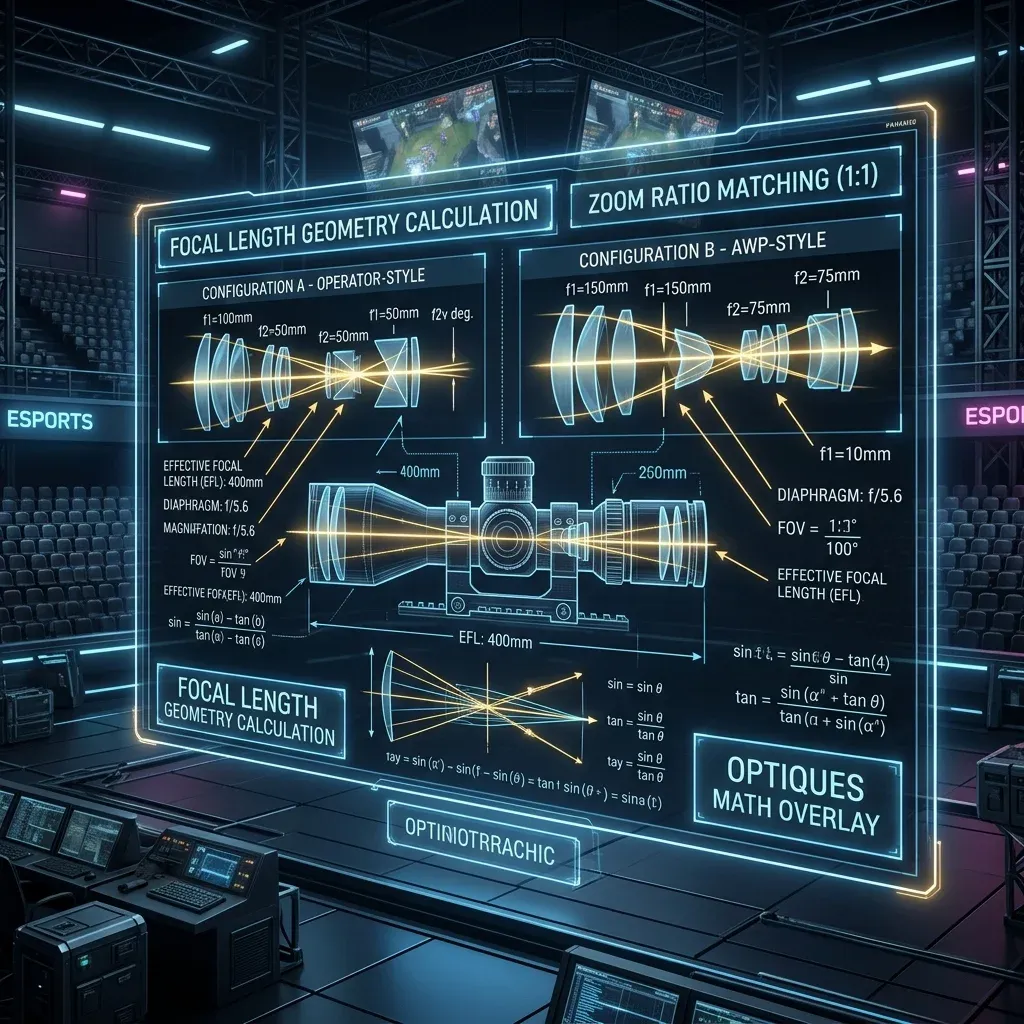
By keeping your physical centimeters per 360 rotation (cm/360) consistent, you maintain identical physical hand travel across titles. However, when switching between different aspect ratios (16:9 vs 4:3 stretched) or vertical FOVs, you must apply 0% Monitor Distance Matching (Focal Length Scaling) to match optical tracking speed at screen center.
Esports Meta & Pro Player Benchmark Data
Looking at publicly available pro settings and general esports sensitivity trends:
- Tactical Shooters (Valorant / CS2): The median pro eDPI sits between 200 and 320 eDPI (approx. 40cm/360 to 65cm/360). Pro players prefer lower sensitivity to maximize micro-correction accuracy and first-bullet headshot precision.
- Tracking & Dynamic Shooters (Apex / OW2 / Fortnite): The median pro eDPI ranges from 2400 to 4800 eDPI in Source/OW2 terms (approx. 28cm/360 to 38cm/360). Higher sensitivity allows rapid 180° sweeps and smooth target tracking during erratic movement.
Step-by-Step Calibration & Actionable Implementation
- Disable Windows Mouse Acceleration: Open Windows Control Panel → Mouse Properties → Pointer Options → Uncheck "Enhance Pointer Precision". This ensures 1:1 raw input without non-linear velocity scaling.
- Set Native Mouse DPI: Use 800 or 1600 DPI on modern optical sensors (PMW3395 / HERO 25K) to minimize sensor input latency by up to 2.5ms compared to 400 DPI while avoiding sensor smoothing.
- Calibrate Desk Space: Ensure your mousepad offers at least 450mm × 400mm of dynamic space. Your cm/360 should allow a full 180° turn from center to pad edge without lifting.
- Verify in Aim Trainers: Benchmark your target acquisition in KovaaK's or Aim Lab (Gridshot / Microflex) for 15 minutes to confirm zero overshoot or undershoot before entering ranked queues.
Frequently Asked Questions (FAQ)
Is higher DPI always better for aim?
Higher DPI (such as 1600 DPI) reduces input latency because the sensor sends motion packets more frequently per millimeter. However, going above 3200 DPI can introduce unwanted sensor noise or smoothing on certain optical sensors.
Should I match my hipfire sensitivity to my ADS sensitivity?
Yes! Utilizing 1:1 focal matching (0.847 in Valorant, 1.0 in CS2/Apex) aligns your focal muscle memory between hipfire aiming and scoped targeting.
🎯 Lock In Perfect 1:1 Aim & Pro Consistency
Tired of daily aim inconsistency? Calibrate your physical cm/360, scope matching, and sensor latency. Get the complete Precision Aim System (4-Part Technical Manifestos) today for only $9.00 USD!
Unlock Elite Precision ($9) ⚡Dalto Outlier
Creator, DCPROSENSDalto built DCPROSENS to help competitive FPS players convert sensitivity, calibrate DPI, and keep their aim consistent across games.