How to Convert Valorant Sensitivity to CS2
TL;DR
Valorant and CS2 use completely different internal yaw constants (0.07 vs 0.022), so the same raw sensitivity number produces wildly different in-game turn speed. Multiply your Valorant sensitivity by 3.1818 to get the CS2 value that preserves your exact physical cm/360 — or just run both through the converter above to skip the math entirely.
Why Your Valorant Sensitivity Doesn't Work in CS2
Switching between tactical shooters is a rite of passage for competitive FPS players, and the most common route is moving between the genre's two biggest titles: Valorant and CS2. Both reward the same fundamentals — crosshair placement, tight spray control, calm decision-making — which is exactly why so many players expect their aim to transfer directly. It doesn't, at least not if you type your Valorant sensitivity number straight into CS2's settings menu.
→ Skip the math: use the free Valorant to CS2 converter tool for an instant result, or keep reading for the full formula and conversion table.
The reason is entirely mechanical. Every game engine defines an internal yaw constant — the number of degrees your camera rotates per raw mouse count at a sensitivity of 1.0. Valorant, built on Unreal Engine with Riot's own netcode, uses a yaw of 0.07. CS2, running on Source 2, uses 0.022 — the same constant shared by Apex Legends, Deadlock, and most of the Source-engine family. A sensitivity of "1.0" in Valorant produces roughly 3.2x more camera rotation per inch of mouse movement than the identical "1.0" in CS2, which is why the raw numbers were never going to line up.
The Conversion Formula
Because both engines use a simple linear yaw model, converting between them is a single multiplication — no DPI change required, since DPI is a hardware setting shared across both games:
That 3.1818 figure comes directly from the ratio between the two yaw constants (0.07 ÷ 0.022 ≈ 3.1818). It holds at any DPI, because DPI is a fixed multiplier that cancels out on both sides of the conversion — only the ratio between the two games' yaw values matters.
Going the other direction — CS2 to Valorant — you divide instead of multiply: Valorant Sensitivity = CS2 Sensitivity ÷ 3.1818.
Step-by-Step: Converting Your Own Settings
- Find your current Valorant sensitivity and DPI. Both are visible in Settings → Mouse in Valorant, and in your mouse manufacturer's software (Logitech G Hub, Razer Synapse, etc.) for DPI.
- Open the DCPROSENS sensitivity converter on the homepage.
- Set "Convert From" to Valorant, enter your sensitivity and DPI exactly as they appear in-game.
- Set "Convert To" to CS:GO / CS2. The converter instantly shows your exact equivalent sensitivity, along with your cm/360 — the physical distance your mouse travels for one full 360° turn — so you can confirm both games now match.
- Type the resulting number into CS2's sensitivity field (Settings → Mouse, or the console command
sensitivity X), keeping your DPI unchanged.
Because the conversion preserves your cm/360 exactly, your hand's physical motion to make a 180° turn or track a moving target stays identical between games — only the on-screen number looks different.
Pro Player Benchmarks
Seeing real numbers side by side makes the ratio click faster than the formula alone. These are approximate conversions based on each player's known Valorant settings:
- TenZ — Valorant: 800 DPI, 0.3 sens → CS2 equivalent: ≈0.955 sens (same DPI)
- Aspas — Valorant: 800 DPI, 0.4 sens → CS2 equivalent: ≈1.273 sens
- Demon1 — Valorant: 1600 DPI, 0.10 sens → CS2 equivalent: ≈0.318 sens
Notice the CS2 numbers all land higher than the Valorant originals — that's a direct consequence of CS2's lower yaw constant requiring a larger sensitivity value to produce the same physical turn speed.
What the Conversion Does Not Cover
A sensitivity conversion keeps your hipfire turn speed consistent, but a few things are worth checking separately once you've made the switch:
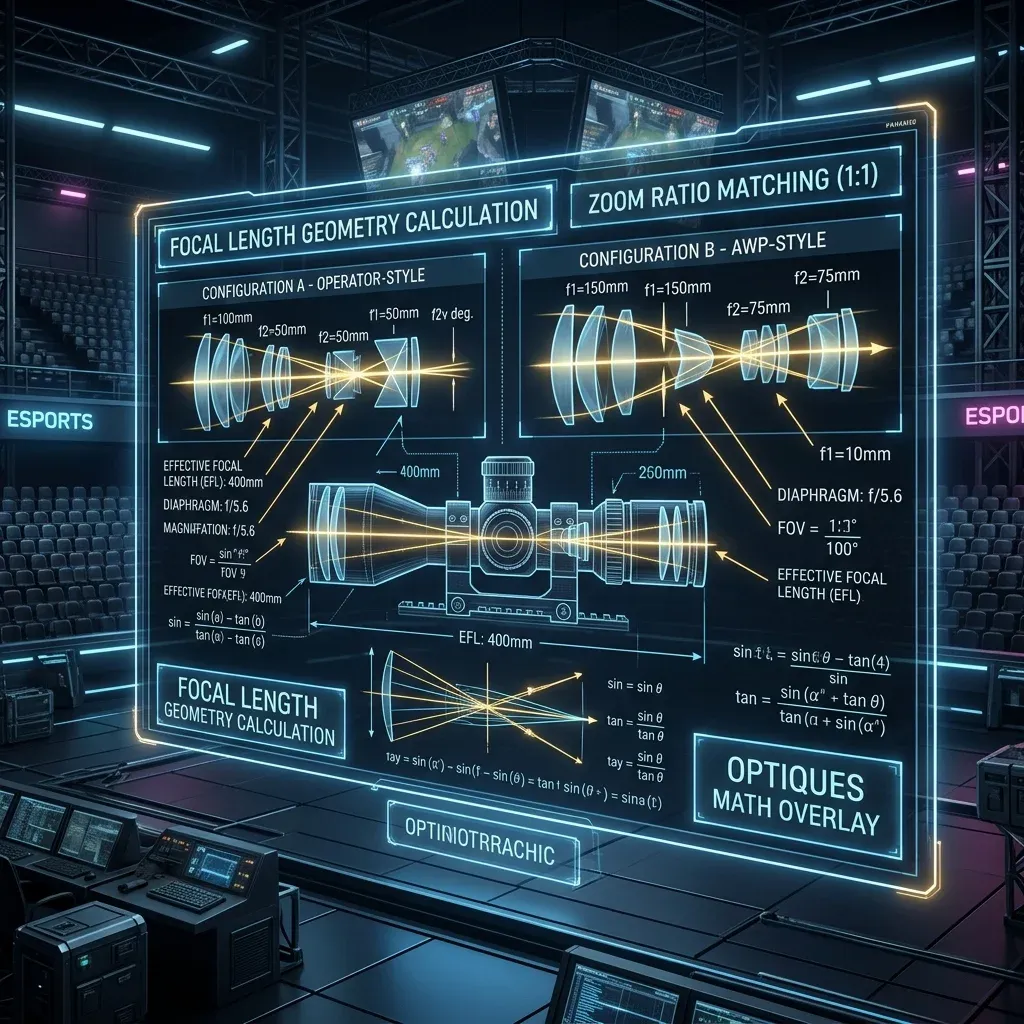
- ADS/scoped sensitivity. Valorant's Operator scope and CS2's AWP scope use their own separate zoom multipliers — converting your base sensitivity doesn't automatically fix these, since each game scales scoped sensitivity differently.
- Crosshair size and placement habits. These are visual, not physical, and will take a short adjustment period regardless of how precisely your sensitivity is converted.
- Raw input settings. Confirm "Enhance Pointer Precision" is disabled in Windows and that both games are reading raw mouse input — most competitive titles do this by default, but it's worth a quick check if something feels subtly off after converting.
Why Not Just Match the Numbers by Feel?
It's tempting to skip the math and just nudge the CS2 slider until it "feels about right," but this is exactly how players end up with a cm/360 that's 10–15% off from their Valorant setting without realizing it — close enough to feel usable, far enough to throw off flick accuracy under pressure. A precise conversion removes that guesswork entirely and gets you back to full aim consistency in one settings change instead of days of half-blind readjustment.
Frequently Asked Questions
What is the exact Valorant to CS2 sensitivity multiplier?
Multiply your Valorant sensitivity by 3.1818 to get your CS2 equivalent. This comes from dividing the two games' yaw constants (0.07 ÷ 0.022), and it holds regardless of your DPI.
Does my DPI need to change when switching from Valorant to CS2?
No. Keep your mouse DPI exactly the same — only your in-game sensitivity number changes. DPI is a hardware setting shared by both games, so changing it isn't part of the conversion at all.
Why does CS2 need a higher sensitivity number than Valorant for the same feel?
CS2's yaw constant (0.022) is lower than Valorant's (0.07), meaning each raw mouse count produces less camera rotation by default. To compensate and land on the same physical cm/360, the CS2 sensitivity number has to be proportionally higher.
Will my aim feel identical immediately after converting?
Your hipfire turn speed will be physically identical, since the conversion preserves cm/360 exactly. Scoped/ADS sensitivity, crosshair size, and general game feel differences (movement speed, FOV) are separate from the conversion and may still need a short adjustment period.
Can I convert CS2 sensitivity back to Valorant the same way?
Yes — just divide instead of multiplying: Valorant Sensitivity = CS2 Sensitivity ÷ 3.1818. Or use the converter above and simply swap which game is "Convert From" and which is "Convert To".
🎯 Lock In Perfect 1:1 Aim & Pro Consistency
Tired of daily aim inconsistency? Calibrate your physical cm/360, scope matching, and sensor latency. Get the complete Precision Aim System (4-Part Technical Manifestos) today for only $9.00 USD!
Unlock Elite Precision ($9) ⚡Dalto Outlier
Creator, DCPROSENSDalto built DCPROSENS to help competitive FPS players convert sensitivity, calibrate DPI, and keep their aim consistent across games.